The usual problem
Setup before you can start
With Mindo
Sign in with Google, Apple, a passkey or email and add your first task right away.
Boards, views and settings pile up until planning takes longer than doing. Mindo keeps only what helps you finish.
The usual problem
With Mindo
Sign in with Google, Apple, a passkey or email and add your first task right away.
The usual problem
With Mindo
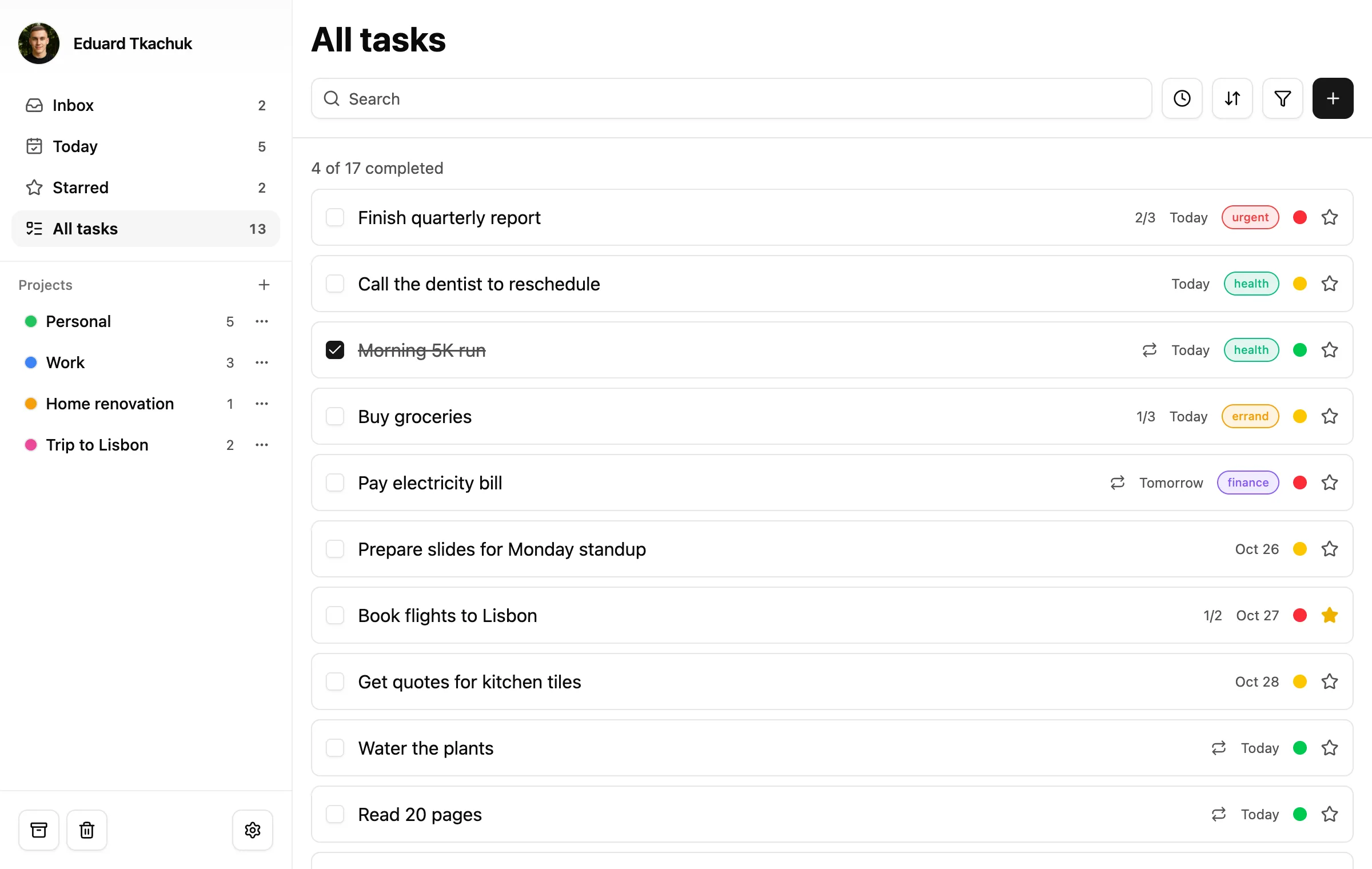
Projects keep work, study and home apart, and due dates show what needs you today.
The usual problem
With Mindo
Unlimited tasks, reminders, subtasks and sharing are free. Pro only adds unlimited projects.
Three tools do most of the work. Everything else stays out of sight until you need it.
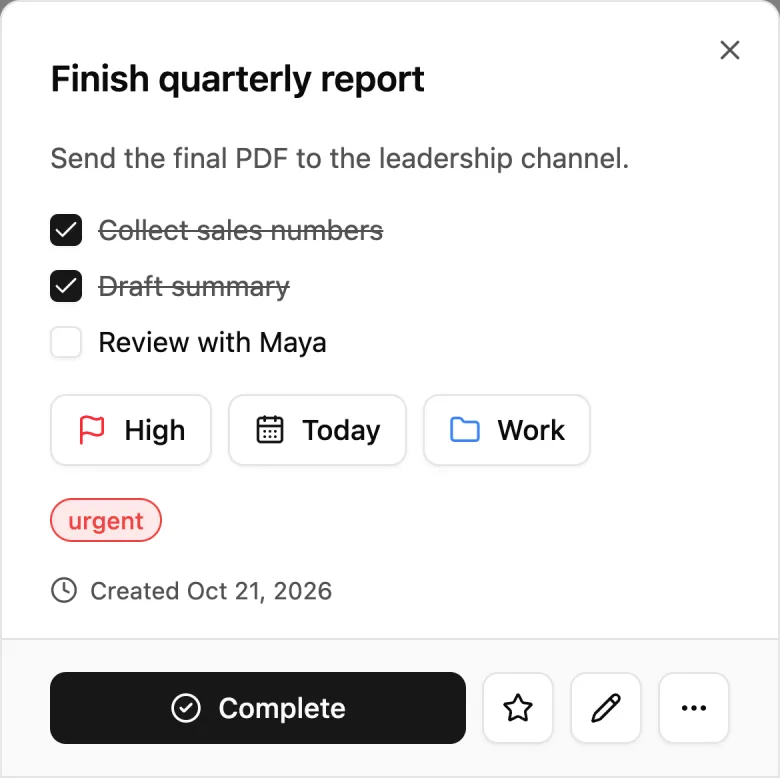
Mark tasks as high, medium or low priority and sort by it, so important work never hides under easy work.
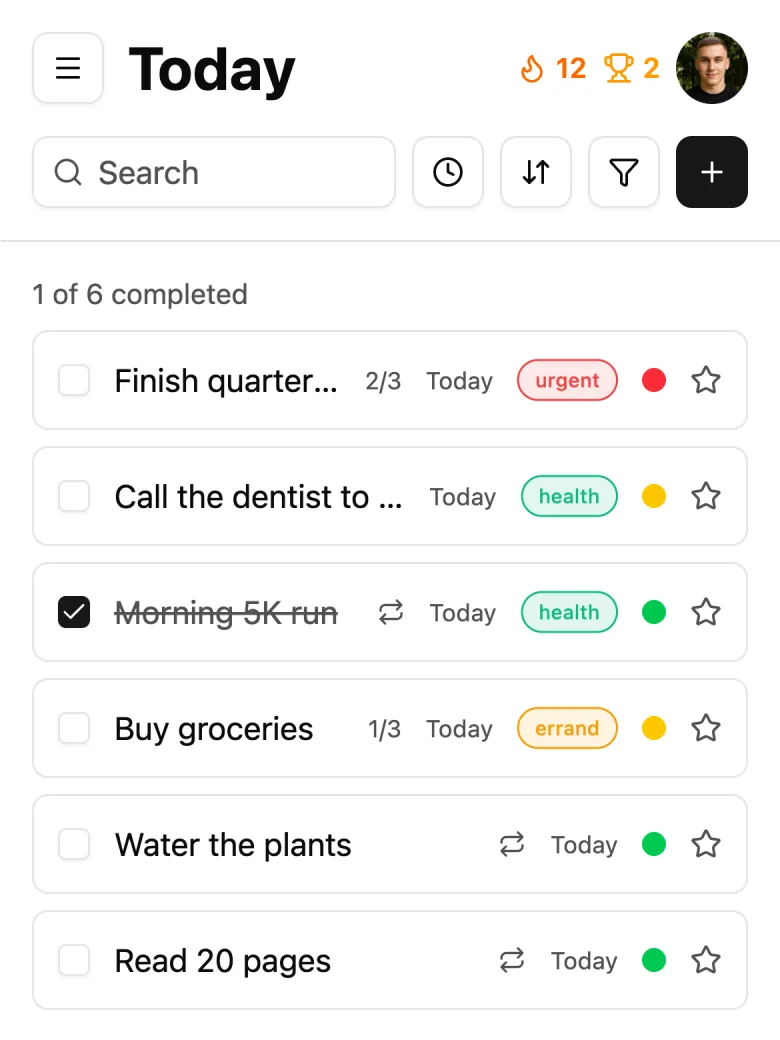
Add a due date and a reminder, then see everything due today at a glance.
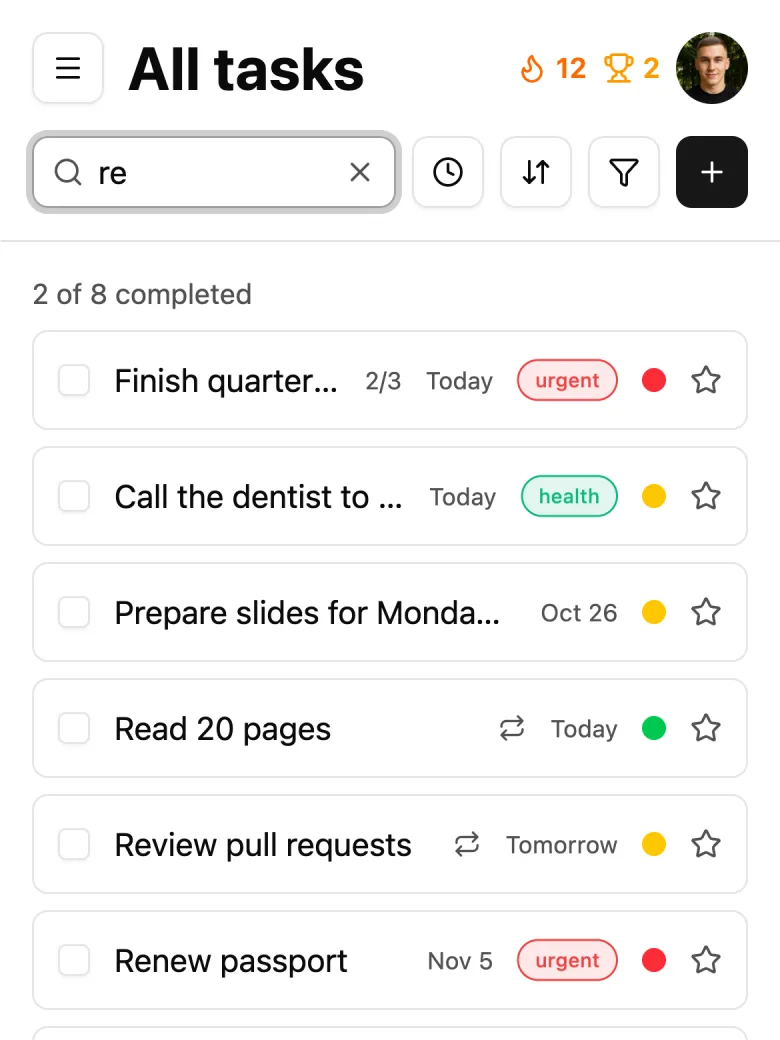
Search across every project and sort by priority, date or name.
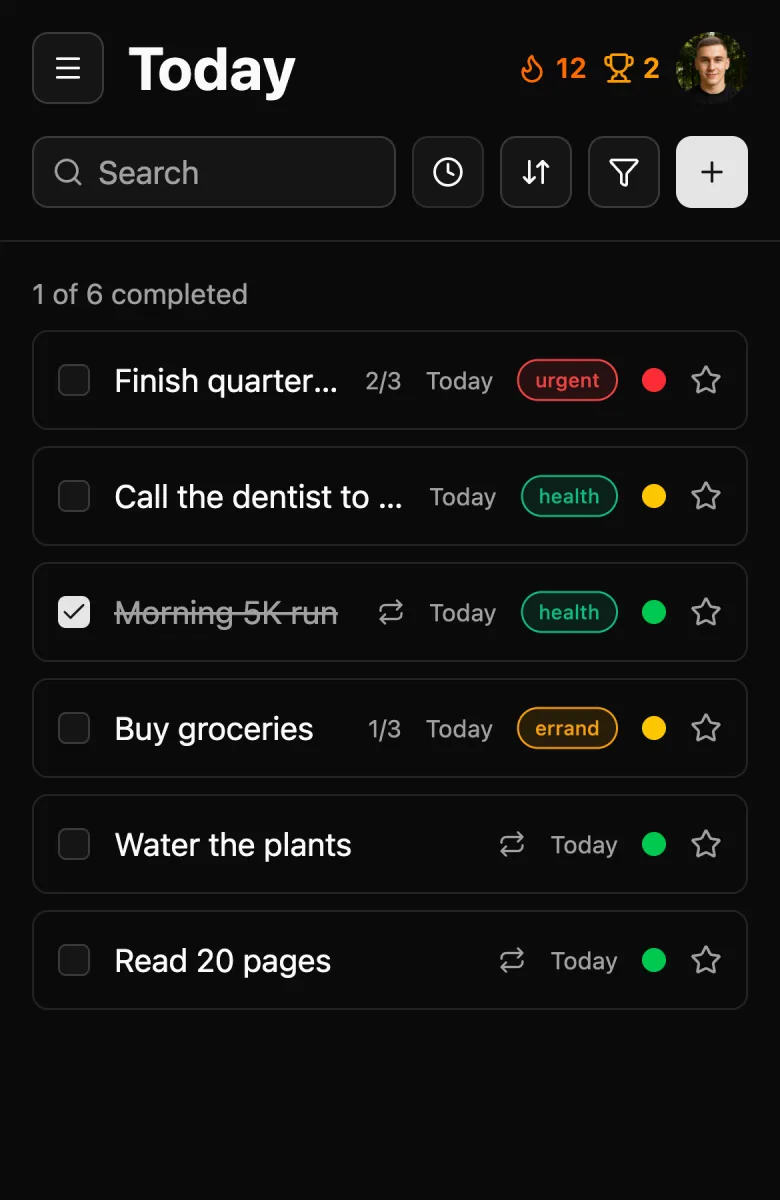
Dark mode follows your system setting, so late planning is easy on the eyes.
Install it from your browser like an app, or get it on Google Play. Your tasks sync everywhere.
Use email, Google, Apple, a passkey or Telegram.
No ads and unlimited tasks. Upgrade to Pro only when you need more than 5 projects.
Get it out of your head.Put it on a list.Get it done.
Sign in with email, Google, Apple, a passkey or Telegram. No credit card needed.
Type what is on your mind, then add a priority, a due date or a project when it helps.
Your list syncs between the web app and Android, so it stays with you wherever you are.
Ask Claude to add, find and finish your tasks, or manage them from the command line with the Mindo CLI. Reading is free; changes need Mindo Pro. Includes a 14-day free trial of changes.
See what real users say about keeping their tasks organized with Mindo.
“I've tried dozens of todo apps and always came back to sticky notes. Mindo is the first one that actually stuck. It's fast, simple, and just works.”
Sarah K.
Freelance Designer
“No bloat, no subscription traps. I opened Mindo and was productive in 10 seconds. That's how every app should work.”
James L.
Software Engineer
“I use Mindo for assignments, grocery lists, everything. The priorities and due dates keep me on track without overwhelming me.”
Maria G.
University Student
“Finally a todo app that respects my time. The dark mode is gorgeous and I installed it like a native app. Brilliant.”
Tom R.
Product Manager
“I was paying for a task app I barely used. Mindo does everything I need for free. Search and sort alone save me minutes every day.”
Aisha M.
Small Business Owner
“Clean, fast, and no distractions. I recommended Mindo to my students and they all love it. The PWA install is a game changer.”
Daniel P.
Teacher
Can't find your answer? Write to us at contact@mindo.fun.